
AI bookmark manager
An AI bookmark managerthat keeps the context.
KeepFlash saves the readable content behind each link, uses AI to organize related sources into traceable Topic Pages, and lets you search or ask across what you saved with the original evidence still in view.
No card required · 150 notes free · browser extension included
1 clickto save a webpage
150 notesincluded on the free plan
4 source typeswebpages, PDFs, videos, and notes
The bookmark graveyard
Saving is easy. Returning with context is the hard part.
A browser bookmark remembers where something lived. It rarely remembers why it mattered, what it said, or how it connects to the project you are doing now.
Browser bookmarks
- A title and URL you may not remember
- Folders that demand decisions at save time
- Search that stops at the bookmark name
KeepFlash library
- Readable source content kept with the link
- AI-assisted tags that can reuse your existing structure
- Search and questions across what the source actually says
Capture the part that matters
Save the whole source. Or just the part that matters.
Keep the complete page, a useful passage, a visual reference, or a YouTube video with its transcript and chapters.
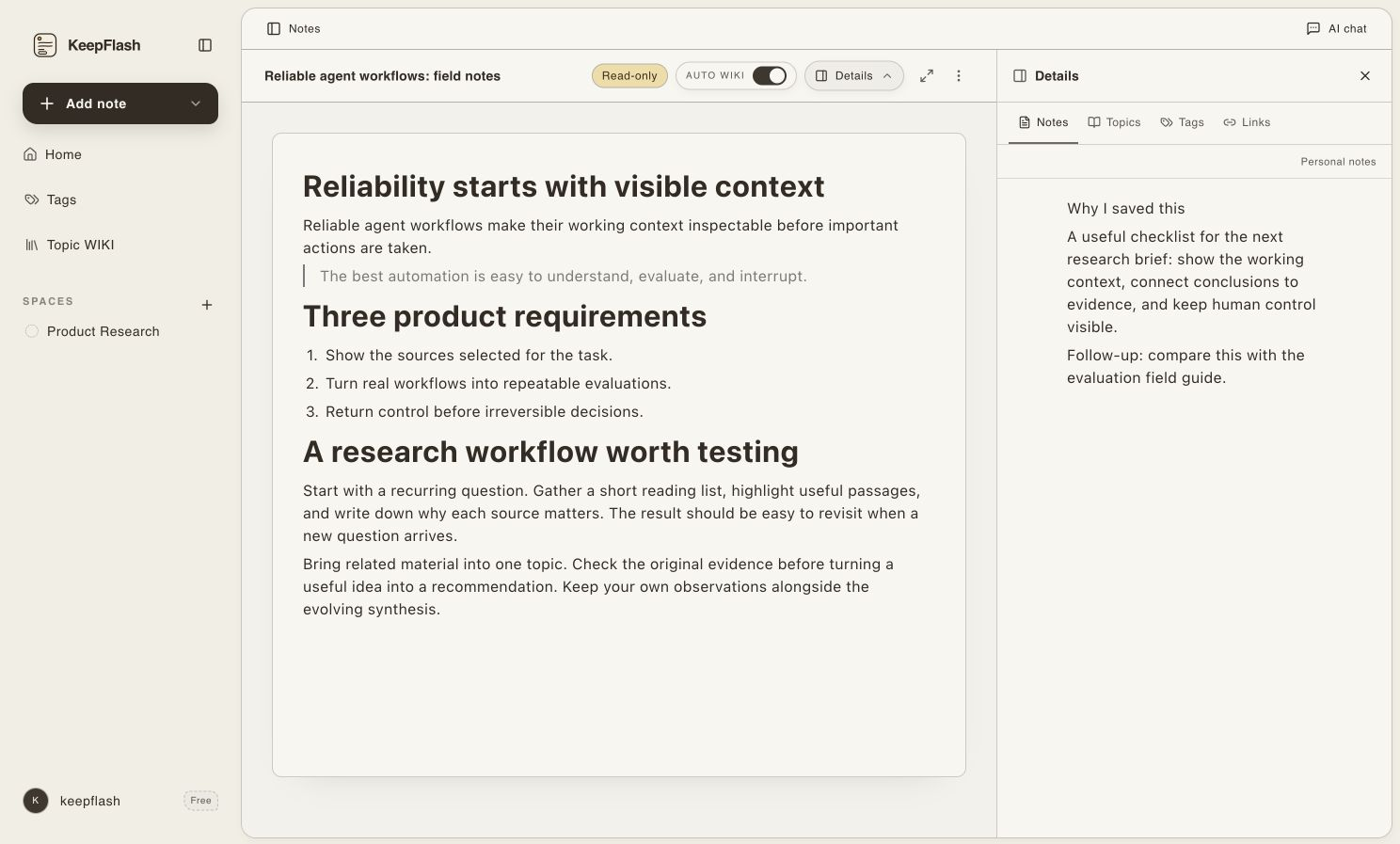
01 / Selected passage
Keep the exact lines worth returning to
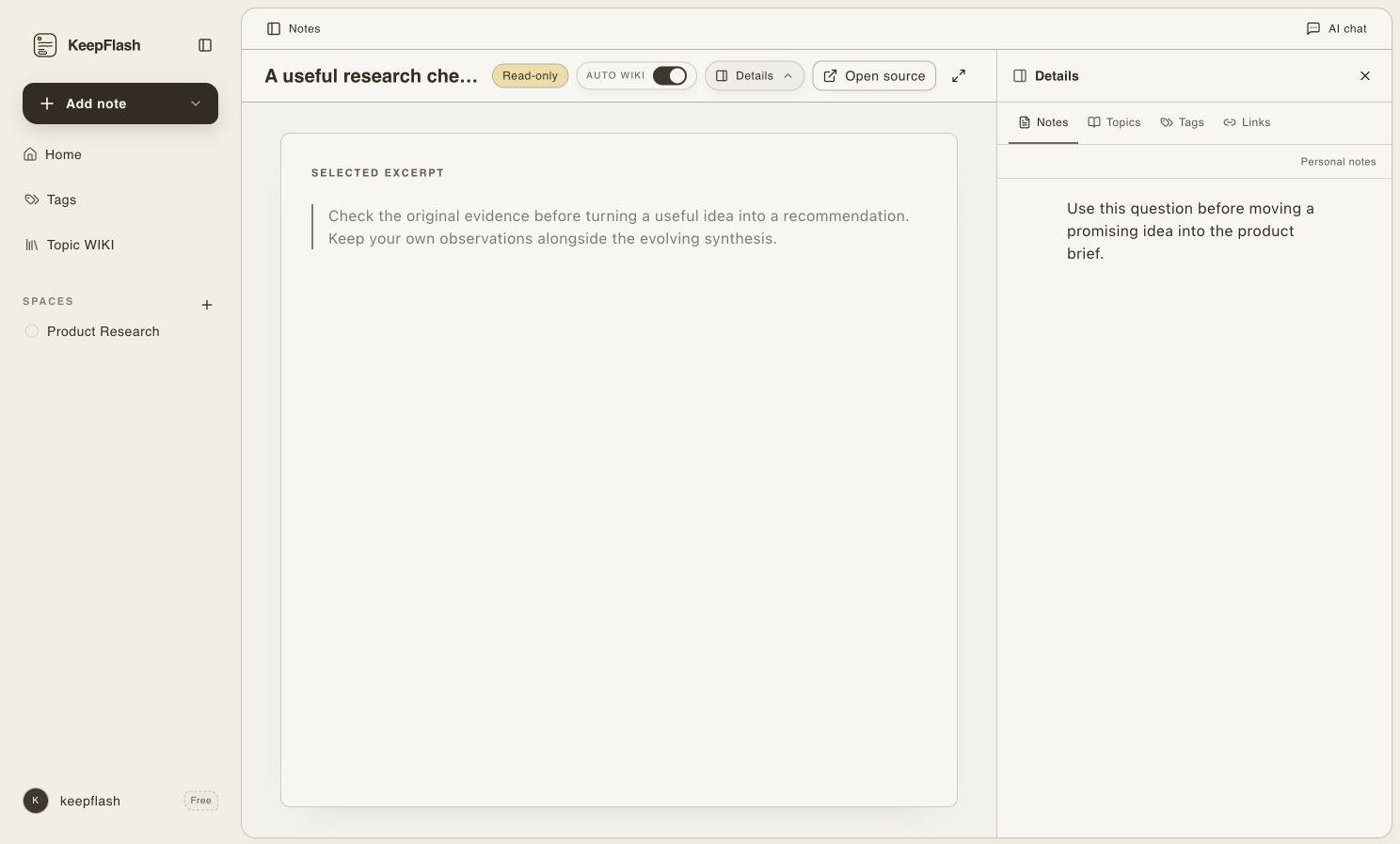
02 / Page image
Save diagrams as their own visual notes
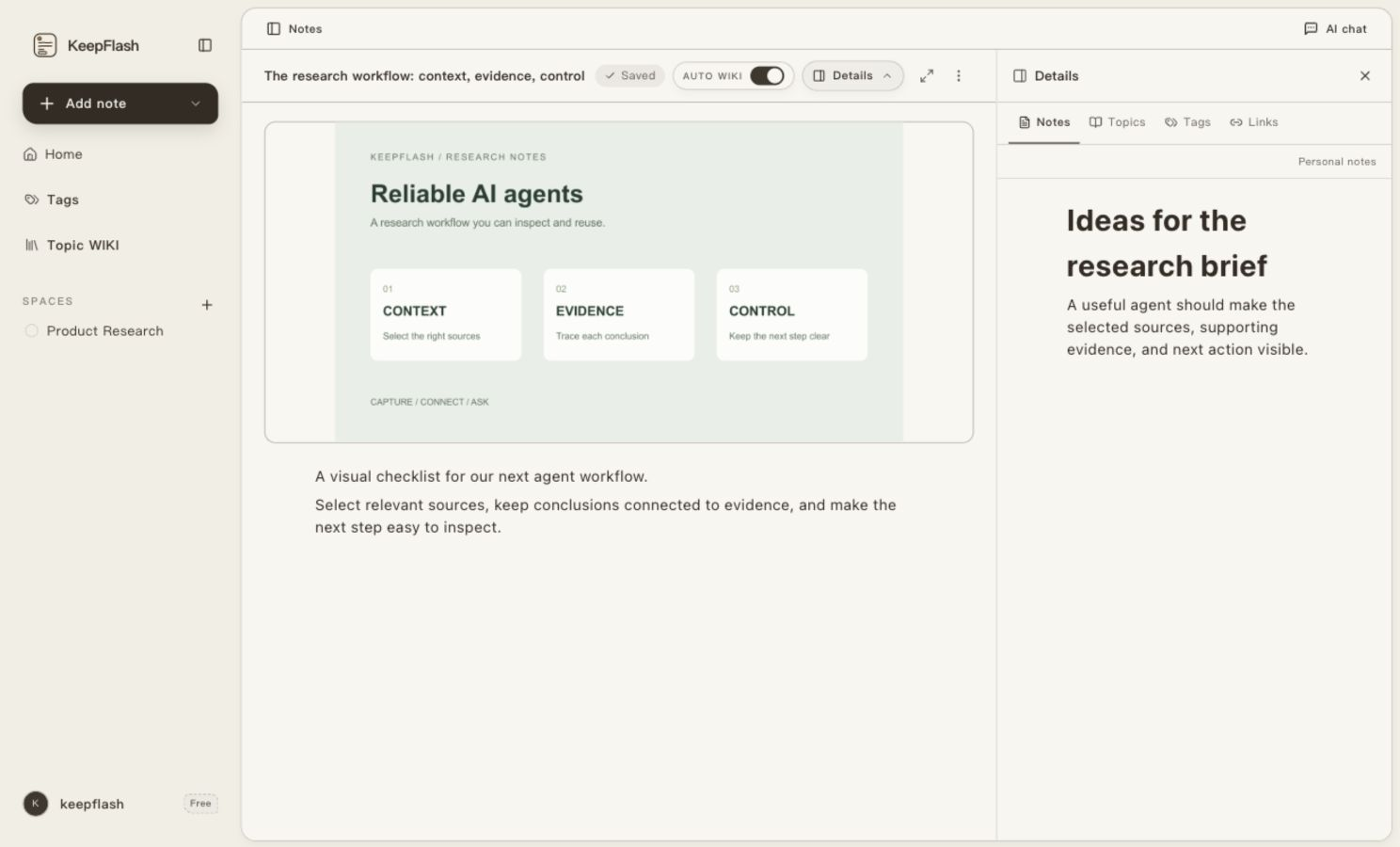
03 / Video transcript
Turn videos into searchable source notes
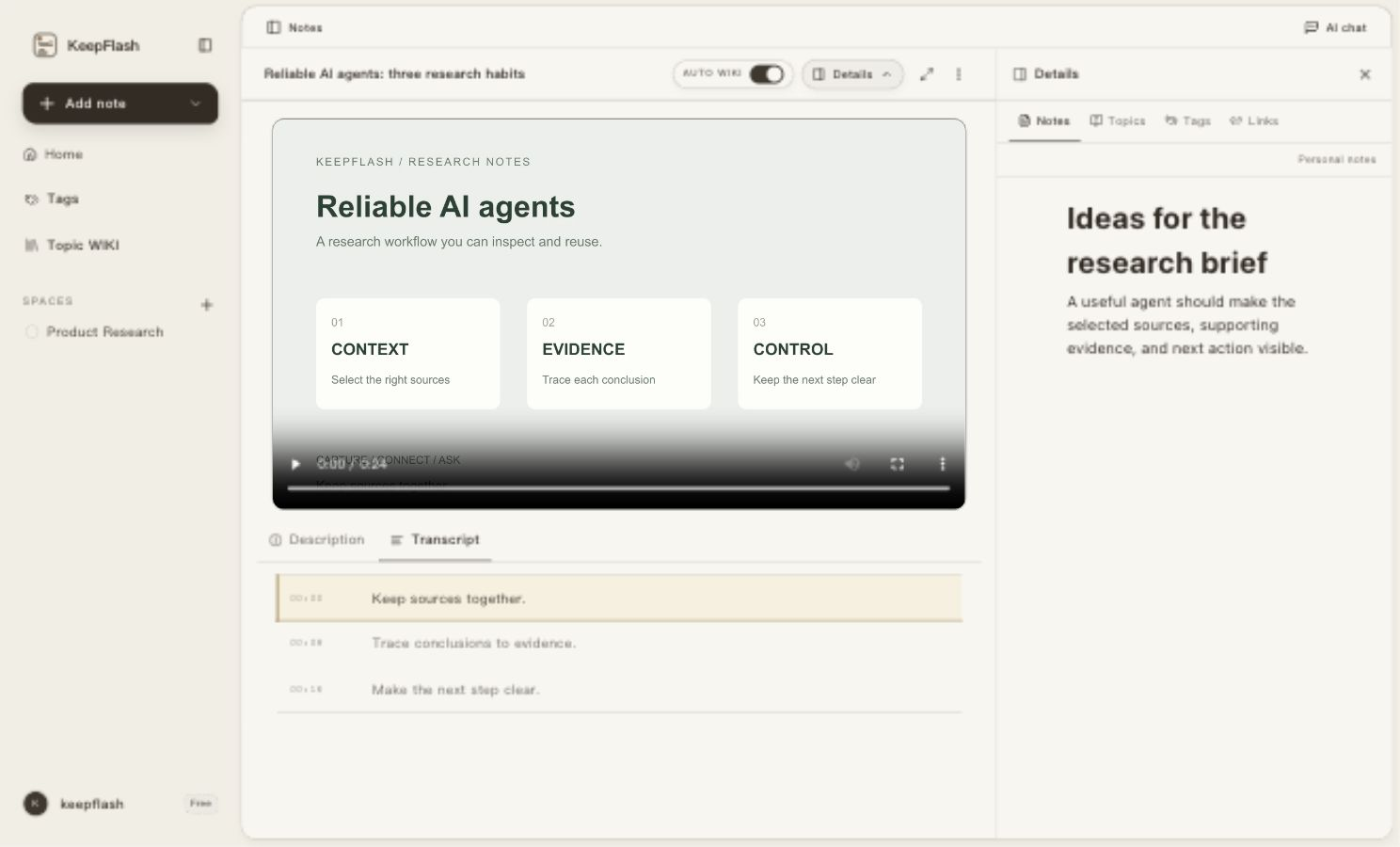
A lighter bookmark workflow
Capture first. Let structure emerge. Retrieve by meaning.
You should not need to design a filing system before saving one useful page.
01
Save the source
Capture a webpage from the browser extension, or add PDFs, YouTube videos, files, and quick notes from the app.
02
Keep useful context
KeepFlash processes the source, suggests tags, and helps related material form source-linked Topic Pages.
03
Find and use it
Search the contents, return to a highlighted passage, or ask a question with selected notes as grounded context.
Search inside what you saved
Find the source by the idea you remember.
Search titles, page content, notes, and video transcripts in natural language instead of retracing your browsing history.

Ask the bookmarks you kept
AI is more useful when it can point back to your sources.
Select saved notes or a Topic Page as context. KeepFlash answers from that material and brings the relevant source back into view.
KeepFlash is designed around source-grounded retrieval. It does not turn every answer into an unsupported summary of the open web.

More than a bookmark folder
The parts that turn saved links into a working library.
- Capture from where you read
- Save a webpage in one click, create a quick note, or search your library from the browser extension without breaking the current flow.
- Organize without starting from zero
- AI-assisted tagging prefers relevant tags you already use before creating new ones, helping the library stay coherent as it grows.
- Search inside the source
- Look beyond titles and URLs. Retrieve material from saved page content, notes, PDF text, and captured video context.
- Turn clusters into Topic Pages
- Related notes can become revisitable Topic Pages for a subject, giving future research and questions a durable starting point.
Browser bookmarks vs. KeepFlash
Choose a bookmark bar for shortcuts. Choose KeepFlash for material you need to use again.
KeepFlash complements simple browser bookmarks by handling the sources that deserve context, retrieval, and follow-up work.
| What you need | Browser bookmarks | KeepFlash |
|---|---|---|
| Save a destination | Yes | Yes |
| Keep readable source content | Usually no | Yes |
| Search inside saved material | Title and URL | Source content and notes |
| AI-assisted organization | No | Tags and Topic Pages |
| Ask with saved sources | No | Context chat with citations |
Built for source-heavy work
For people who save because they plan to make something with it.
Researchers and analysts
Keep market notes, technical references, reports, and supporting webpages in one searchable project context.
Writers and creators
Return to the exact evidence, angle, or quote you collected when it is time to draft instead of searching from scratch.
Students and deep readers
Connect articles, papers, video notes, and your own thinking across a subject you are learning over time.
Questions before you switch
AI bookmark manager FAQ
What is an AI bookmark manager?
An AI bookmark manager saves online sources and uses AI-assisted processing to make them easier to organize and retrieve. KeepFlash keeps source content with the bookmark, suggests tags, supports full-text search, and lets you ask questions using selected saved material as context.
Can KeepFlash replace my browser bookmarks?
Use browser bookmarks for frequently visited destinations. Use KeepFlash for articles, research, PDFs, videos, and references whose content you need to find or reuse later. The two can work alongside each other.
Does KeepFlash only save webpages?
No. KeepFlash supports webpages, PDFs, YouTube video notes, files, images, and block-based notes, so related material can stay in the same library.
Can I try the AI bookmark manager for free?
Yes. The free plan includes 150 notes, two spaces, PDF annotations, YouTube video notes, 200 KeepFlash credits per month, and up to three Topic Pages. No payment card is required to start.
Which browsers support the KeepFlash browser extension?
The live Chrome extension is available now for saving the page you are reading in one click. Firefox, Edge, and Safari options appear in KeepFlash download controls as each store listing becomes available.
Can I import my existing browser bookmarks?
KeepFlash does not currently provide a bulk browser-bookmark import. Keep using browser bookmarks for frequent destinations, then start with the next source whose content, origin, and context you want to preserve in KeepFlash.
Start with your next bookmark
Save the source now. Find the meaning when the work needs it.
Build a searchable, askable library one useful webpage, PDF, video, or note at a time.
No card required · browser extension included