
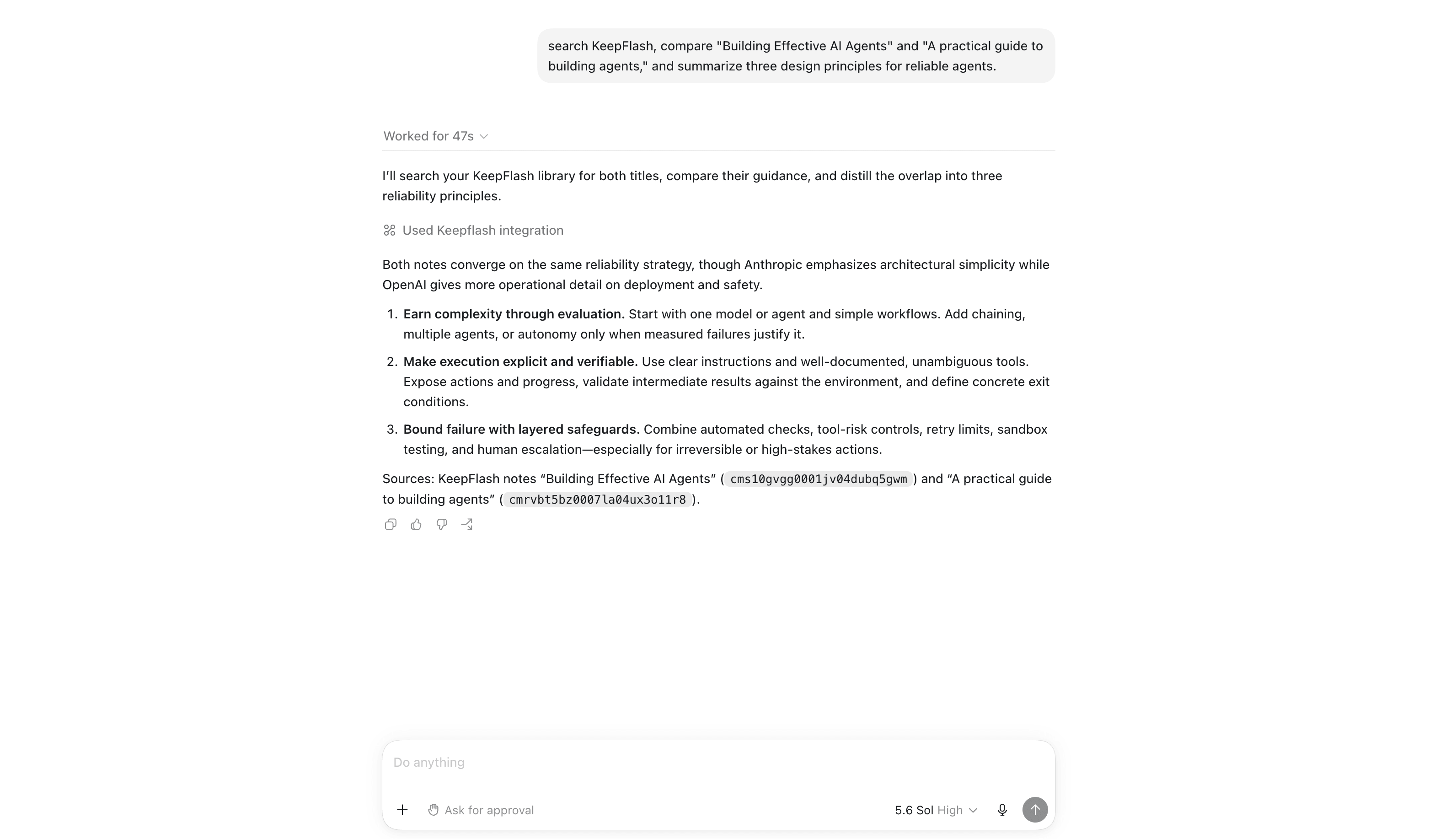
Agent Access already lets tools such as Codex, Claude Code, and Cursor search and work with the material in your KeepFlash library. Connected agents can now add image notes as well.
From an image to a complete note
An agent can reserve an upload, send the image, and then create an image note with useful context around it. The note can include a title, a source URL, descriptive blocks, and a target Space rather than arriving as an unexplained attachment.
The uploaded image becomes a normal KeepFlash asset and appears as the first block in the new note. Search projection and the same background analysis used by other notes continue after creation.
Controlled by the same Agent Access boundaries
Image uploads do not bypass the controls already attached to an Agent Access connection. KeepFlash still checks the connected token, writable Space scope, note limits, upload ownership, and idempotency before creating anything.
Upload reservations also expire. An agent cannot keep an unfinished upload open indefinitely or reuse another connection's asset.
Connect once, revoke whenever you need
Open Settings → Agent Access, authorize the client in your browser, and choose which Spaces it can read or write. Each connection remains separately visible and revocable.
You can connect an agent to KeepFlash and let it begin with the sources and visual material you already keep.
Put this update to work in your own KeepFlash library.
Connect an agent